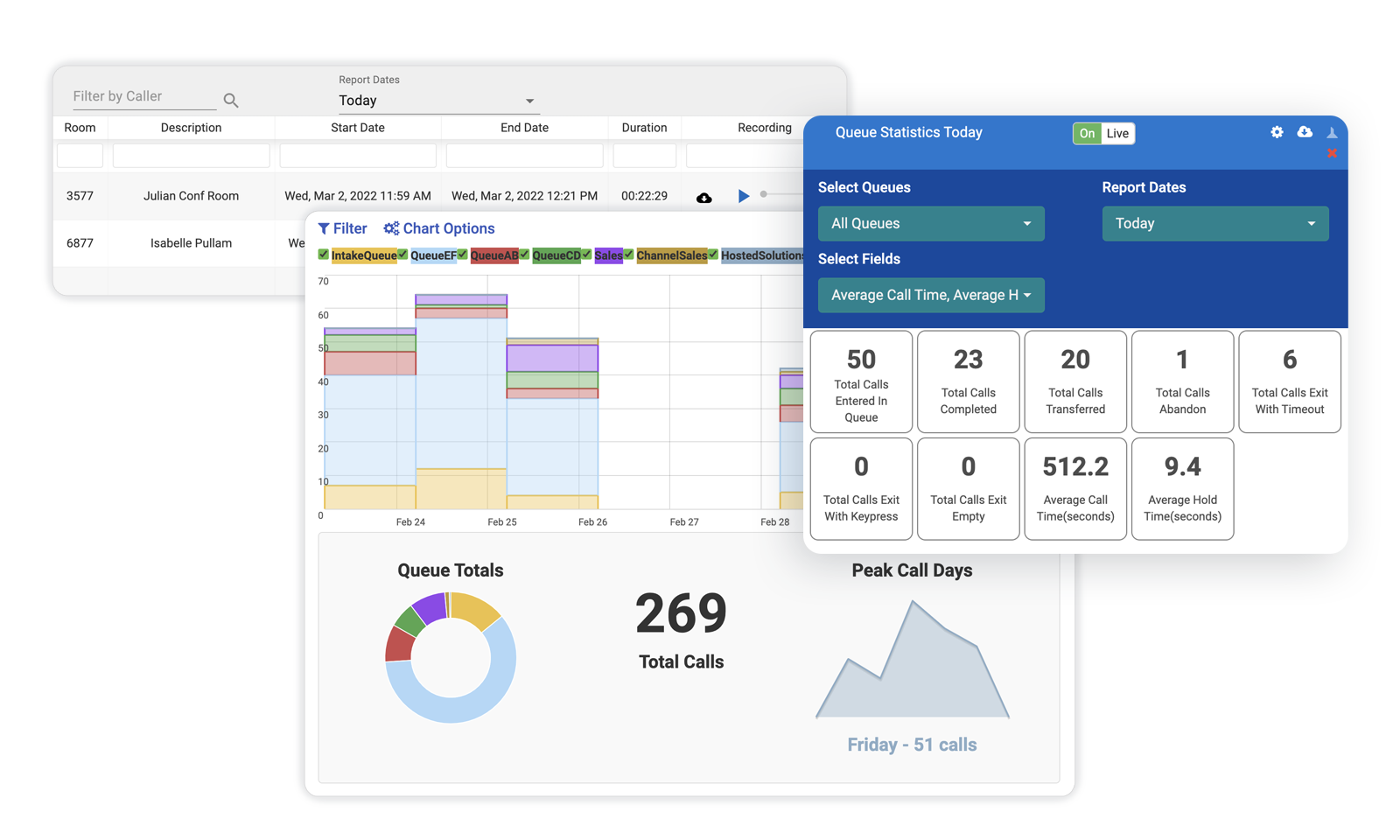
Below are just some of the features you will be able to take advantage of with our hosted phone systems
Included handsets
With a minimum number of minutes you can enjoy free handsets at your business. Call for details, restrictions may apply 866-578-5355.
Unlimited local and long distance calling
Calling plans include unlimited local and long distance calling at a new low rate. Save money with our international rates. Call for details, restrictions may apply 866-578-5355.
Unlimited On-Net calling
All calls “on-net” are FREE. That means you will not be billed for any call to another user on your PriorityOne PBX, or any other PriorityOne customers.
Unified desktop applications including chat and employee status
Helping business run more efficiently, PriorityOne offers many desktop applications that streamline phone usage.
Ring Groups
Enables multiple extensions to be joined as a group, and calls may be routed sequentially or simultaneously to that group.
Conference Bridge
Multiple on-site and outside callers can simultaneously participate in password protected conference calls. Callers can be assigned talk-listen or listen only access.
Online web management
Web based interface that allows users to configure their PBX, create call queues and groups, view call detail records and billing information, listen to and delete your voicemail and upload music on hold.
Auto Attendant
Allows callers to select from menu options using a standard telephone keypad. Through the portal interface, calls can be routed to extensions, mailboxes, groups, conference rooms, call queues, or unlimited depths of additional auto attendants.
Find me/Follow me mobility features
Setup a personal assistant to “find you” at up to five (5) locations. This feature is configured per extension, and offers an extensive number of options to route calls once they have reached the given extension. Callers are asked to “announce themselves”, and are offered the option between locations to try the next location, or to leave a message.
On-phone corporate directories
Find contacts with ease by browsing corporate directories right on your handset.
Voicemail and Voicemail-to-email
After a voicemail is received, the PriorityOne PBX will send an email to any valid email account or alias that you enter into the PriorityOne Portal. The message will include the date and time of the call, as well as the duration, caller ID if provided, the mail box number, and an attached WAV file that can be played on your PC or mobile device (i.e./ Smartphone or PDA capable of playing WAV files).
Voicemail to Text Message
Don't have a Smartphone or PDA capable of playing WAV files? Enter an SMS address in the PriorityOne Portal and the PriorityOne PBX will send a shorter text message to your device. Third party text messaging rates may apply.
Advanced Call forwarding
Forward calls via the PriorityOne portal or via your device or Softphone. Calls may be forwarded to any extension or phone number. Device or Softphone forwarding functionality may vary by manufacturer.